
Stefan Ritter
June 23, 2020

2 min
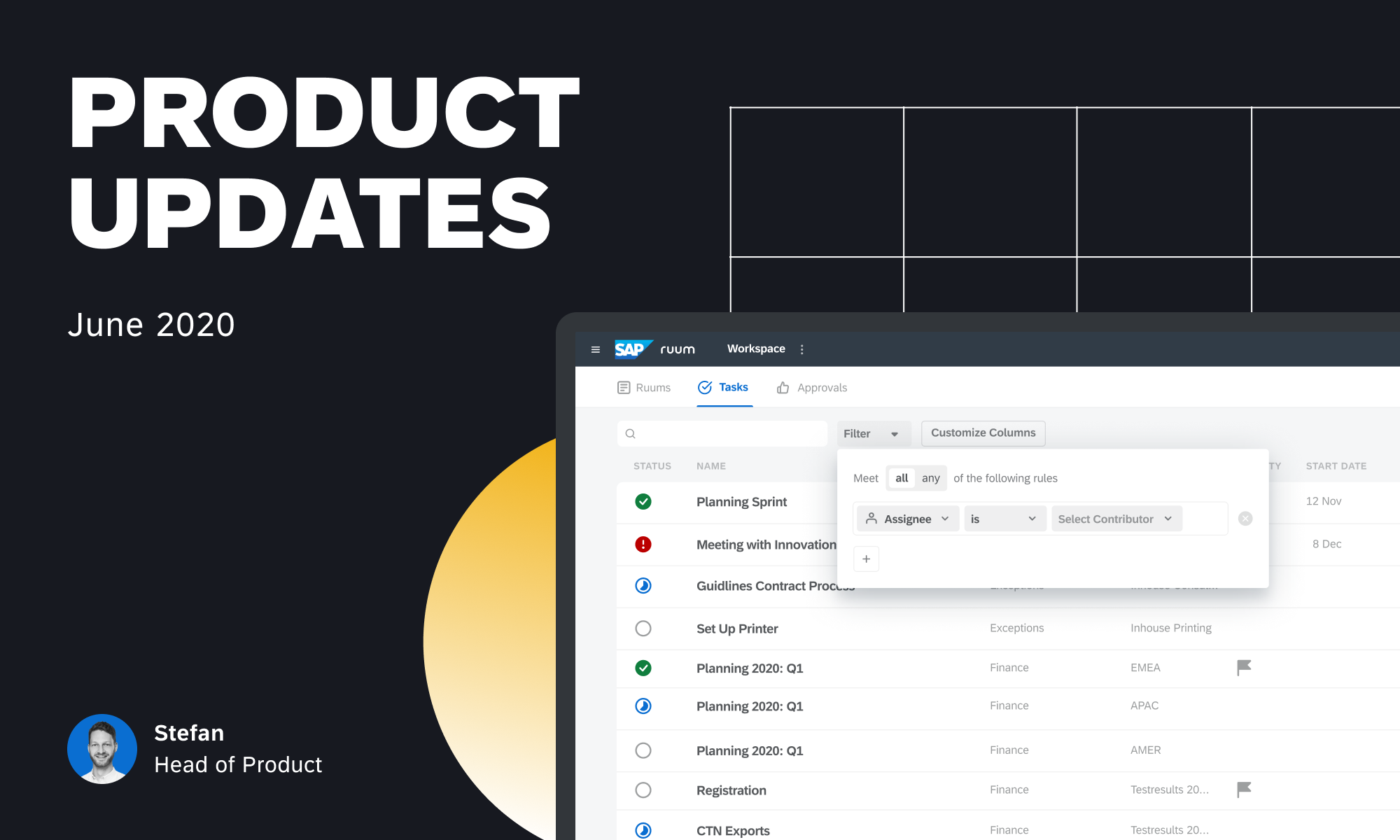
We listened to all those users who manage many projects in Ruum and need a more detailed and customized view across them. With our latest release, you can now customize the columns in your lobby and in your task list by adding additional columns, such as Groups, Labels, Creators, Last Changed (Date), and any Custom Fields configured for your account.
By applying and combining the filters you need you can now make the lobby your personal dashboard. Combine the flexibility of a spreadsheet with the usability of Ruum. Need to urgently report the status of your projects related to a certain topic to your manager? Simply head to your Ruum and customize the columns in your lobby. With only a few clicks you’re ready to give an overview and can slice and dice further as required.
Custom fields allow teams to capture data on their canvas or on a task level in a structured way. They help streamline the collection of relevant information or meta data for processes or projects. Custom fields are created and managed by Workspace admins and can be formatted as text, number, email, link and more (Enterprise feature). Very soon they will also be able to pull information from other systems, such as supplier lists or cost centers. Find out more in our Help Center.
And that’s it for now. Head straight to Ruum to take these new features for a spin.
We’d love to hear your thoughts on Ruum by SAP. Let us know how our new features are helping you with your daily work within the Ruum Community or write us an email [email protected]. Your feedback helps us make Ruum your best solution at work.


Join more than 30,000 professionals who get work management tips and tricks from the Ruum team.